Create your toon
Use a photo to make an illustrated toon, then refine the result with creative edits.
✦ Your imagination, in panels
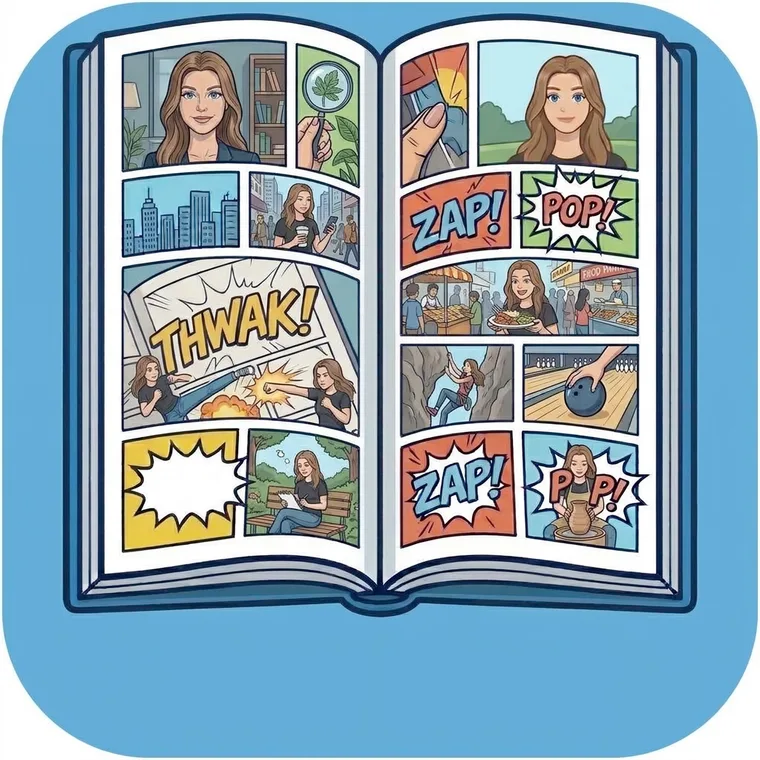
Turn a photo into a toon, shape pages into comics, and keep every new idea in your ToonBook.
THE TOONME STUDIO
Start with a character, then decide where the story goes. ToonMe brings creation and comic planning together in one place.
Use a photo to make an illustrated toon, then refine the result with creative edits.
Arrange panels, add titles and speech balloons, and give each page its own rhythm.
Collect pages into stories, plan ToonRuns and ToonIssues, and build toward a ToonSeries.
A CREATIVE SPACE TO SHARE
Children create in their own ToonMe account. A linked grown-up can join the creative process, help guide sharing, and contribute ideas as a separate version for the child to review.
ROOM FOR THE NEXT IDEA
Choose a monthly plan for recurring credits or a one-time pack when you want extra room to make.
Monthly credits for individual creators and families.
Add credits when a new character, page, or story is calling.
Current prices and available plans are shown in ToonMe and confirmed by the App Store before purchase. Availability may vary by region.
HERE WHEN YOU NEED US
Find quick answers for sign-in, credits, creating, and family links.
Check that you’re using the mobile number and password for the account you’re opening. Child and grown-up accounts use separate mobile numbers and passwords. If a child’s grown-up link is pending, the child can continue private creation on the original device.
Open Plans and Credits in ToonMe to check the available balance. If Apple confirmed a purchase but the credits have not appeared, use Restore Purchases on that screen. Storefront prices are shown before you confirm a purchase.
Check your connection and try again with a clear photo. ToonMe reports generation and quality-check problems in the app; unsuccessful quality checks do not use a credit.
The child can create and organize work privately in My ToonBook on the setup device. Sharing stays unavailable until a grown-up account approves the link.
Open the account area in ToonMe to manage account settings. A grown-up can review a child link or request account deletion from the linked family controls. Local ToonBook files are managed on the device that stores them.
ToonFamily and ToonPublisherFamily share the plan’s monthly credit pool across up to two parent accounts and three child accounts. Check the Family screen in ToonMe to see the shared balance and membership.